Grind Mode
Multi-panel agent grid. Run multiple Claude agents on different parts of your project simultaneously.
How It Works#
Launch Grind Mode with Ctrl+Shift+G. DAEMON opens a multi-panel grid where each panel runs an independent Claude Code agent. All agents work on your codebase at the same time, each with their own context, tools, and terminal access.
Example Workflow#
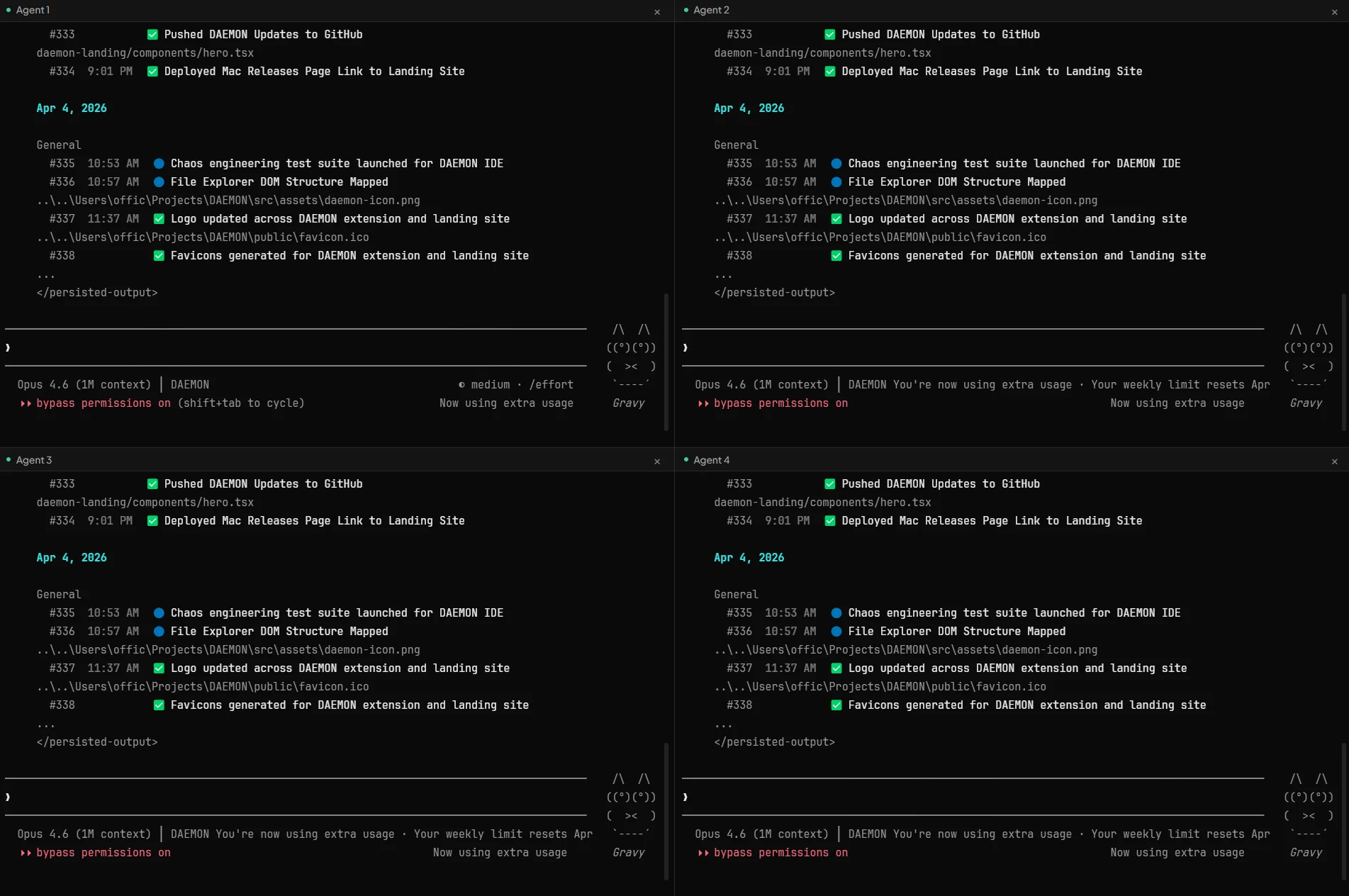
Four agents working simultaneously on the same project, each handling a different task. Every panel has its own Claude session with full tool access.
When to Use Grind Mode#
Grind Mode panels share your working tree: agents collaborate interactively on the same checkout. For fully isolated parallel work, use agent swarms instead: each lane gets its own git worktree and branch, and you merge the results afterward. Grind Mode is most effective when you have independent tasks that don't depend on each other:
- Scaffolding different parts of a project simultaneously
- Running tests while building new features
- Writing documentation while refactoring code
- Building frontend and backend in parallel
- Auditing security while shipping features
Tips#
- Keep tasks independent. Agents work best on separate files or modules. Avoid overlapping files.
- Use specific prompts. Give each agent a clear, focused task.
- Monitor progress. Watch each panel's output. You can interact with any agent at any time.
- Scale as needed. Start with two agents for simpler tasks, scale up for larger projects.
Keyboard Shortcut#
| Shortcut | Action |
|---|---|
Ctrl+Shift+G | Toggle Grind Mode |